 English
  한국어
한국어
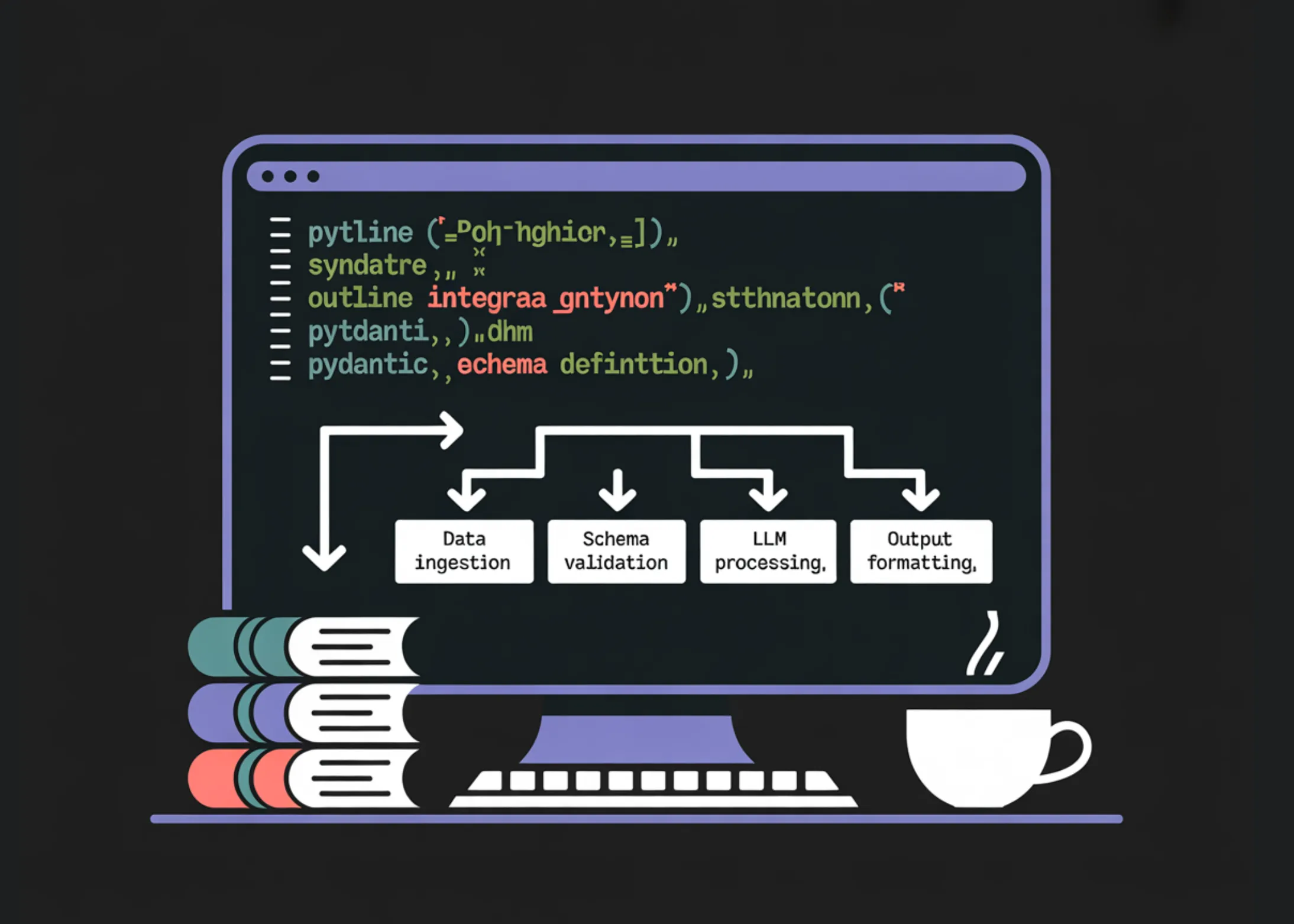
How to Build Type-Safe, Schema-Constrained LLM Pipelines Using Outlines and Pydantic
As LLMs (Large Language Models) become increasingly powerful, it’s also important to have ways to effectively utilize them and obtain reliable results. Particularly, the unpredictable nature of unstructured text generation models makes it essential to control and structure the output. To address this challenge, this article introduces how to build LLM pipelines using two powerful tools: Outlines and Pydantic. This tutorial will provide step-by-step guidelines on how to build type-safe and schema-constrained LLM pipelines using these two tools.
Outlines is a framework for generating structured output from LLMs, and Pydantic is a library for data validation and serialization. Combining these two allows you to guide the LLM to produce predictable and reliable results. This will be useful information for data scientists and developers alike. Let’s get started!
1. Setting Up the Development Environment and Basic Libraries
First, you need to install the necessary dependencies, including Outlines, Transformers, Accelerate, Sentencepiece, and Pydantic. The following code performs this task. This code installs the necessary libraries for your Python environment, including GPU acceleration using CUDA if available, or you can use the CPU to run the model.
import os, sys, subprocess, json, textwrap, re

subprocess.check_call([
    sys.executable, "-m", "pip", "install", "-q",
    "outlines", "transformers", "accelerate", "sentencepiece", "pydantic"
])

import torch
import outlines
from transformers import AutoTokenizer, AutoModelForCausalLM

from typing import Literal, List, Union, Annotated
from pydantic import BaseModel, Field
from enum import Enum
This code also checks the PyTorch version, verifies CUDA availability, and displays the Outlines version. This information helps ensure that your system has the necessary environment for handling Outlines and the LLM. The next step is to initialize the Outlines pipeline and build some simple helper functions.
2. Typed Output: Literal, int, bool
Now, let’s look at how to generate typed output from the LLM using Outlines. For example, you can instruct the LLM to perform sentiment analysis and return only one label from the emotions (Positive, Negative, Neutral). The following code demonstrates how to generate this typed output. The LLM is constrained by Outlines to produce only specific types of output.
def extract_json_object(s: str) -> str:
    s = s.strip()
    start = s.find("{")
    if start == -1:
        return s
    depth = 0
    in_str = False
    esc = False
    for i in range(start, len(s)):
        ch = s[i]
        if in_str:
            if esc:
                esc = False
            elif ch == '"':
                esc = True
            elif ch == '"':
                in_str = False
        else:
            if ch == '"':
                in_str = True
            elif ch == '{':
                depth += 1
            elif ch == '}":
                depth -= 1
                if depth == 0:
                    return s[start:i + 1]
    return s[start:]

def json_repair_minimal(bad: str) -> str:
    bad = bad.strip()
    last = bad.rfind("}")
    if last != -1:
        return bad[:last + 1]
    return bad

def safe_validate(model_cls, raw_text: str):
    raw = extract_json_object(raw_text)
    try:
        return model_cls.model_validate_json(raw)
    except Exception:
        raw2 = json_repair_minimal(raw)
        return model_cls.model_validate_json(raw2)
This code snippet defines utility functions used to recover invalid JSON and safely validate output from the LLM. It also provides examples of using the LLM to generate integer and boolean values. This type of output is crucial for ensuring that the data adheres to the expected format.
3. Using Prompt Templates
Next, let’s look at how to use the template functionality in Outlines to create more structured prompts. Outlines templates allow you to dynamically insert user input into prompts while maintaining role format and output constraints. This helps to improve reusability and ensure consistent responses. The templates make it easier to control the behavior of the LLM.
4. Structured Output with Pydantic (Advanced Constraints)
Now, let’s look at how to define more complex constraints and control the structure of the output generated by the LLM using Pydantic. For example, you can define a Pydantic model for service tickets that includes various information, such as ticket priority, category, and details. You can instruct the LLM to generate a JSON object that adheres to this model. This approach helps to make the LLM‘s output more structured and predictable.
5. Function Calling Style (Schema -> Arguments -> Call)
Finally, let’s look at how to safely execute Python functions through the LLM using the function calling style. First, you instruct the LLM to generate a list of arguments that will be used as input to the function. Then, you validate these arguments and call the Python function. This approach is very useful for performing complex calculations using output from the LLM. This makes the LLM more powerful and flexible. With this approach, you can expand the functionality of the LLM and use it in various applications.
Conclusion
In conclusion, this tutorial has examined how to build LLM pipelines using Outlines and Pydantic. These tools allow you to control and structure the LLM‘s output, leading to more reliable and predictable results. By following these guidelines, you will gain the tools and knowledge needed to build LLM-powered applications.
In-Depth Analysis and Implications
Array
Original Source: How to Build Type-Safe, Schema-Constrained, and Function-Driven LLM Pipelines Using Outlines and Pydantic