 English
  한국어
한국어
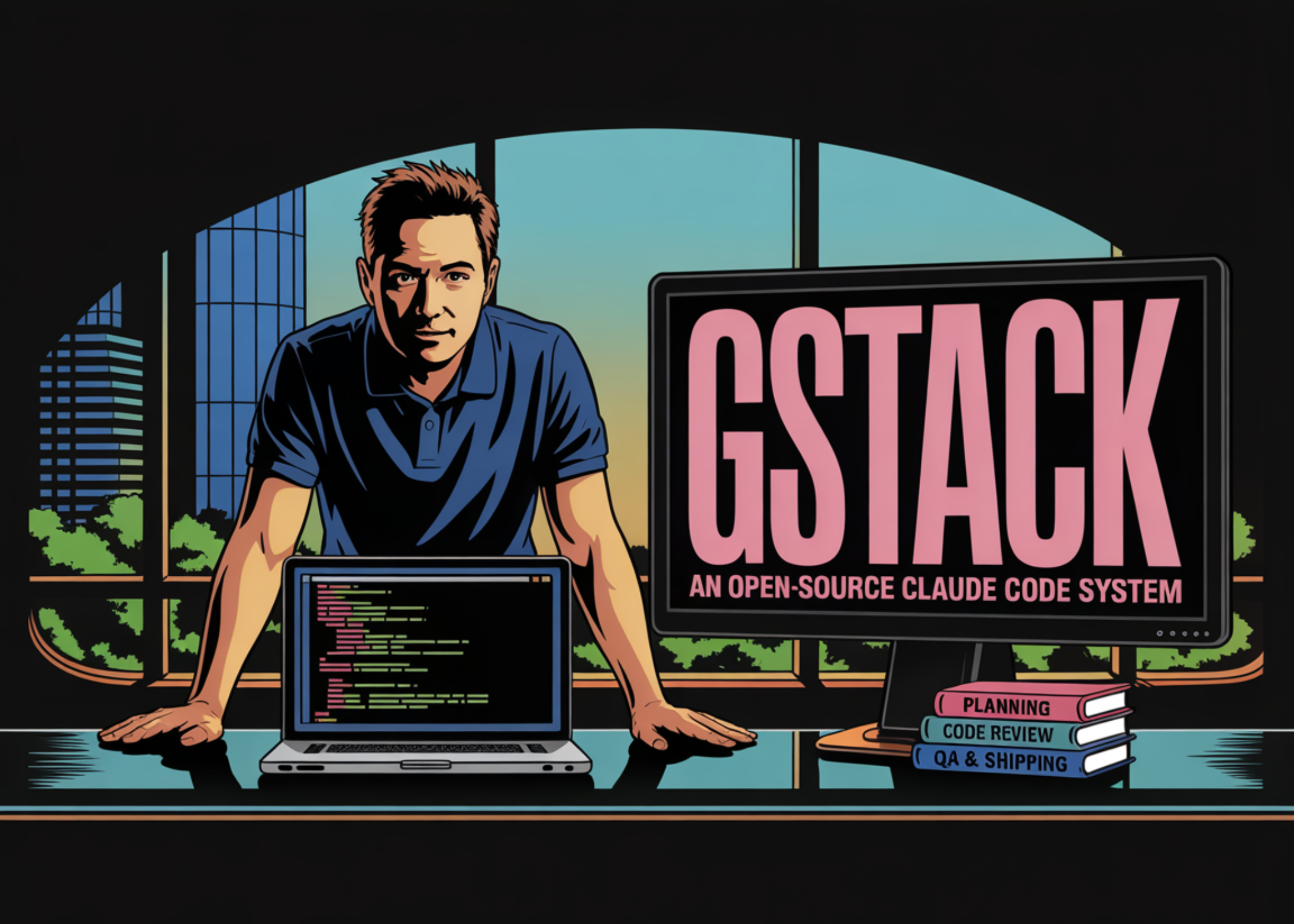
gstack: An Open-Source Workflow System for Claude Code
How can we make AI coding assistance more reliable? One approach is to separate product planning, engineering review, release, and QA into clear operational modes. gstack, released by Garry Tan, packages Claude Code with eight specialized workflow techniques, providing a persistent browser runtime. gstack isn’t simply adding a new model layer; it aims to help Claude Code operate more efficiently by clearly defining roles throughout product planning, engineering review, release, and testing processes.
Recently, the emergence of AI coding tools has fueled expectations for increased developer productivity. However, maintaining product quality and efficiently managing the deployment process are crucial beyond simply generating code. This is where the importance of workflow management comes into play, and gstack represents an innovative attempt to address this.
8 Core Commands
The gstack repository currently provides eight primary commands: /plan-ceo-review (CEO review planning), /plan-eng-review (engineering review planning), /review (code review), /ship (release), /browse (browser exploration), /qa (QA testing), /setup-browser-cookies (browser cookie setup), and /retro (retrospective). Each command is associated with a specific operational mode and is designed to efficiently separate and manage software delivery tasks. Systematically defining the workflow maximizes operational efficiency.
Persistent Browser as a Core System
The most significant technical aspect of gstack isn’t Markdown technology but the browser subsystem. gstack provides Claude Code with a persistent browser environment, and maintaining that environment is the most challenging aspect. Instead of launching a new browser for each task, gstack runs a long-running headless Chromium daemon and communicates via localhost HTTP. This helps reduce latency and maintain state. Cold starts take approximately 3-5 seconds, but subsequent calls after initialization run within about 100-200ms. Because the browser is alive, cookies, tabs, localStorage, and login status are maintained across commands. The server also automatically shuts down after being idle for 30 minutes. This persistent browser environment plays a crucial role in enhancing the efficiency of the workflow.
Connecting Browser Automation to QA
This daemon architecture is vital for QA and browser-based development. In many agent workflows, browser automation is used as a debugging step or a screenshot utility. In gstack, browser access is an integral part of the core workflow. The /browse mode allows agents to log in, explore the app, take screenshots, and inspect errors. /qa extends this functionality by analyzing browser diffs, identifying affected paths, and testing relevant pages or flows. This example flow shows /qa inspecting eight modified files and three affected paths and then testing those paths against a local app instance. In essence, the project attempts to connect source changes with actual application behavior, not treating QA as a separate manual step. Strengthening this connection is achieved through the workflow.
Installation Requirements and Project Layout
The repository’s implementation choices are quite specific. gstack requires Claude Code, Git, and Bun v1.0+. The package.json file currently shows version 0.3.3, lists Playwright and diff as runtime dependencies, and compiles the browse source tree’s browse executable. According to the repository README, /browse compiles a native binary and supports macOS and Linux, x64, and arm64. The installation flow involves copying the repository to ~/.claude/skills/gstack, running ./setup, and registering the skill with Claude Code. Teams can also copy the same setup to a directory .claude/skills/gstack within their project to share the workflow.
Why Bun?
The architecture document explains why Bun is used instead of a traditional Node.js setup. Four reasons are specified: a compiled binary, native SQLite access, native TypeScript execution, and a built-in HTTP server, Bun.serve(). These choices are not cosmetic but pragmatic. gstack directly reads the Chromium SQLite cookie database, and Bun’s built-in database support eliminates the need for additional native packages. The compiled binary model also aligns with the repository’s installation style, as users are not expected to manage a separate runtime toolchain within ~/.claude/skills/. This technological choice was made to facilitate the smooth construction of the workflow.
Key Takeaways
- gstack is a workflow layer, not a new model or agent framework.
- A persistent browser daemon is a core technical component.
- QA is directly connected to code changes.
- The project uses Bun for a compiled binary, native SQLite access, native TypeScript execution, and a built-in HTTP server for the browser daemon.
- gstack’s contribution is an operational structure: separating product reviews, engineering reviews, code reviews, releases, and browser-based validation into distinct modes to narrow responsibility scopes.
In conclusion, gstack is a significant tool for innovating the development workflow with Claude Code. It is expected to contribute to improved developer productivity and code quality in the future.
Detailed Analysis and Implications
- Persistent Browser Daemon: Enables faster task resumption by maintaining browser state.
- 8 Core Commands: Each command provides a clear workflow for specific tasks.
- Bun Usage: Efficiently handles compilation speed and SQLite database integration.
- QA Automation Integration: Simplifies the QA process by connecting code changes and tests.
- Modularized Workflow: Clearly defines responsibility scopes and facilitates collaboration by separating each step.